Creating professional graphics used to require years of design experience and expensive software. Not anymore.
Today, AI Image Tools allow anyone — bloggers, small business owners, marketers, and creators — to design eye-catching visuals in minutes. No Photoshop skills. No design degree. Just smart technology doing the heavy lifting.
In this beginner-friendly guide, you’ll learn how AI Image Tools work, why they matter, the best AI image tools for beginners, and how to use them to boost Google rankings and grow your brand online.
Why AI Image Tools Are Important
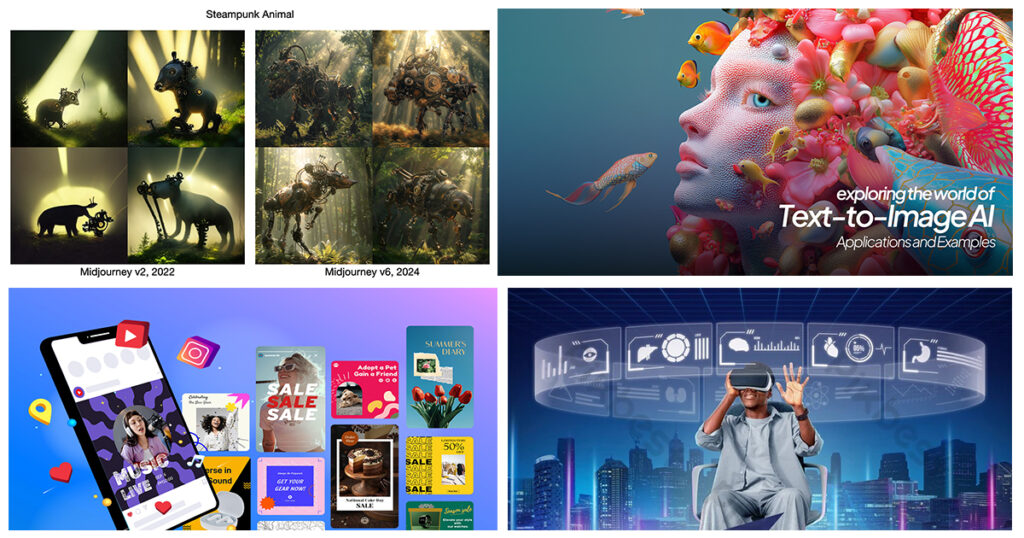
Visual content drives the internet.
- Articles with images get 94% more views.
- Social media posts with visuals generate significantly higher engagement.
- Optimized images improve SEO and help boost Google rankings.
Yet many small businesses struggle because:
- Hiring designers is expensive.
- Learning complex software takes time.
- Creating consistent branding is difficult.
That’s where AI Image Tools come in.
These tools use machine learning to generate, edit, enhance, and optimize images automatically. With simple prompts like “modern coffee shop logo” or “Instagram post for fitness coaching,” AI can produce polished designs instantly.
For entrepreneurs and bloggers using SEO tools for small business growth, visuals are no longer optional — they’re essential.
5 Key Benefits of AI Image Tools
1. No Design Skills Required
You don’t need to understand layers, typography rules, or color theory.
Just describe what you want.
Example:
“Minimalist YouTube thumbnail for productivity tips in blue and white.”
AI handles the rest.
2. Save Time and Money
Instead of:
- Paying $50–$300 per graphic
- Spending hours tweaking designs
You can generate multiple variations in minutes.
This makes AI Image Tools ideal for:
- Startups
- Bloggers
- E-commerce stores
- Social media managers
3. Improve SEO and Boost Google Rankings
Search engines value:
- Fast-loading images
- Optimized alt text
- Relevant visuals
Many AI Image Tools now:
- Auto-compress images
- Generate SEO-friendly file names
- Suggest keyword-rich alt text
This directly helps boost Google rankings and improve site engagement.
4. Unlimited Creative Ideas
Stuck with a creative block?
AI can:
- Suggest new layouts
- Generate brand color palettes
- Create unique artwork styles
- Transform rough sketches into polished graphics
It becomes your creative assistant.
5. Scalability for Growing Brands
Need 50 Pinterest graphics?
10 blog featured images?
Daily Instagram posts?
AI Image Tools scale effortlessly — perfect for content marketing strategies.
Best AI Image Tools for Beginners
Here are some of the best AI image tools for beginners in 2026:
1. Canva
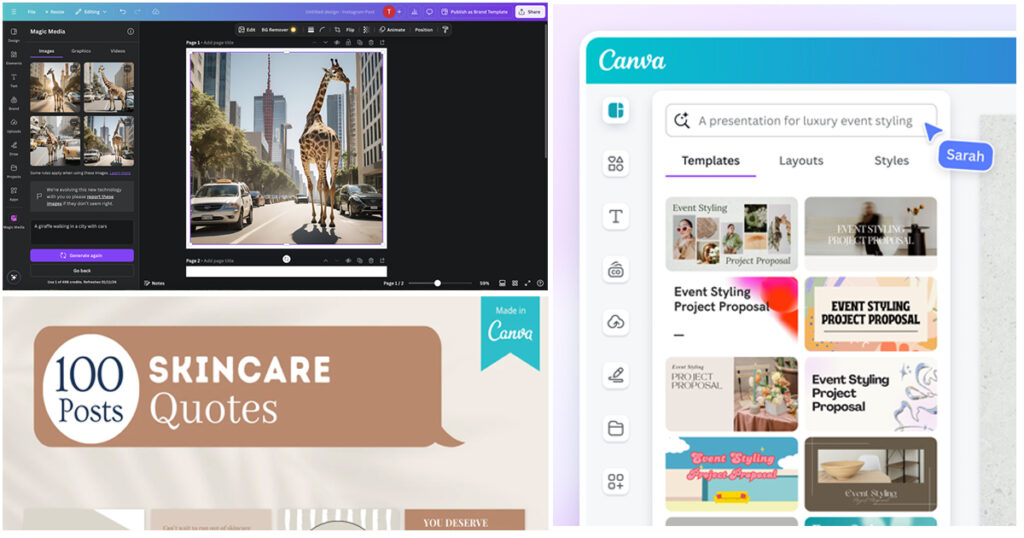
Best for: Social media graphics & marketing visuals
Why beginners love it:
- Drag-and-drop interface
- Magic Design AI feature
- Background remover
- Thousands of templates
Perfect for bloggers and small businesses using SEO tools for small business marketing campaigns.
2. Midjourney
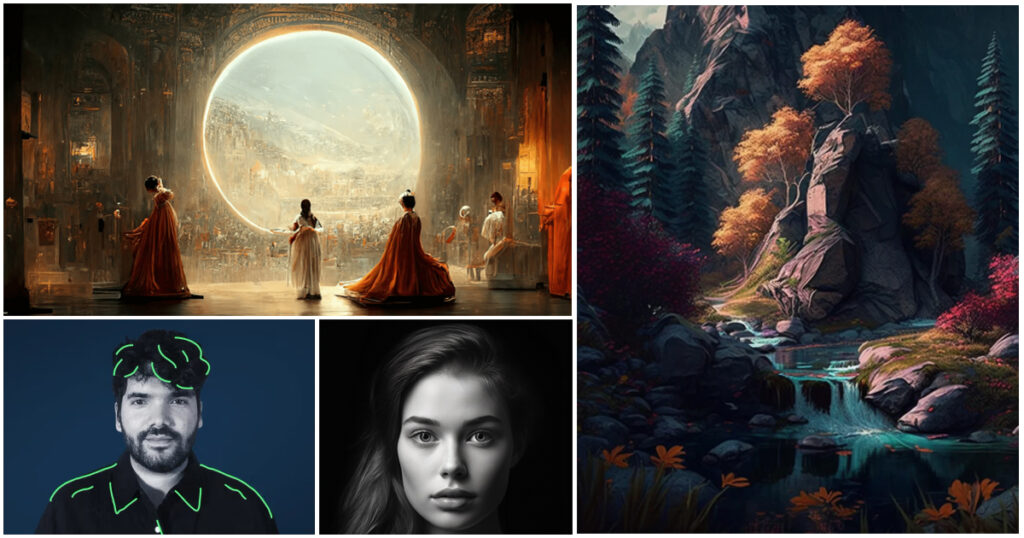
Best for: Artistic and creative visuals
Strengths:
- Stunning realism
- Stylized artwork
- Creative experimentation
Great for branding, book covers, and unique blog illustrations.
3. Adobe Firefly
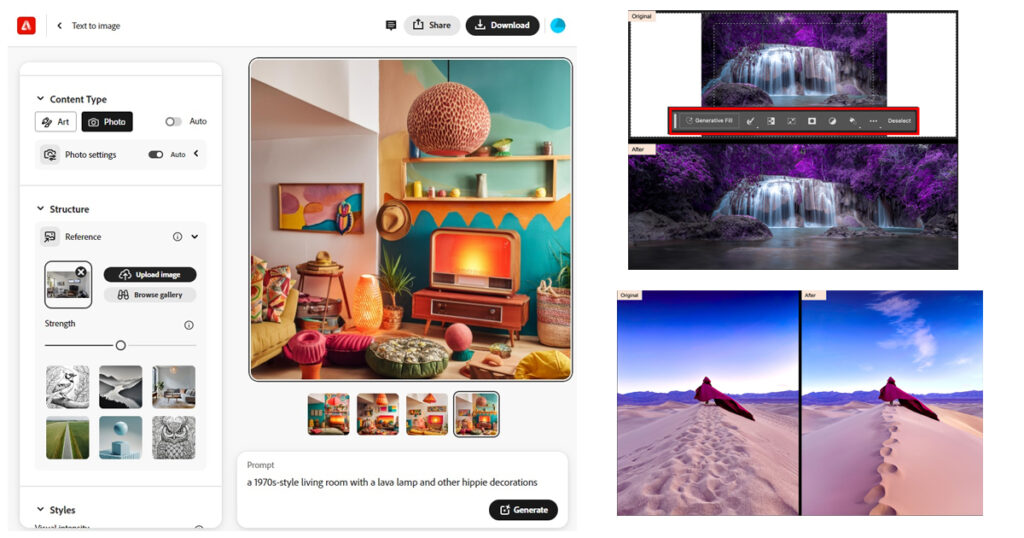
Best for: Professional-quality marketing assets
Features:
- Text-to-image generation
- Generative fill
- Typography enhancements
Ideal for businesses wanting polished, commercial-safe visuals.
4. DALL·E
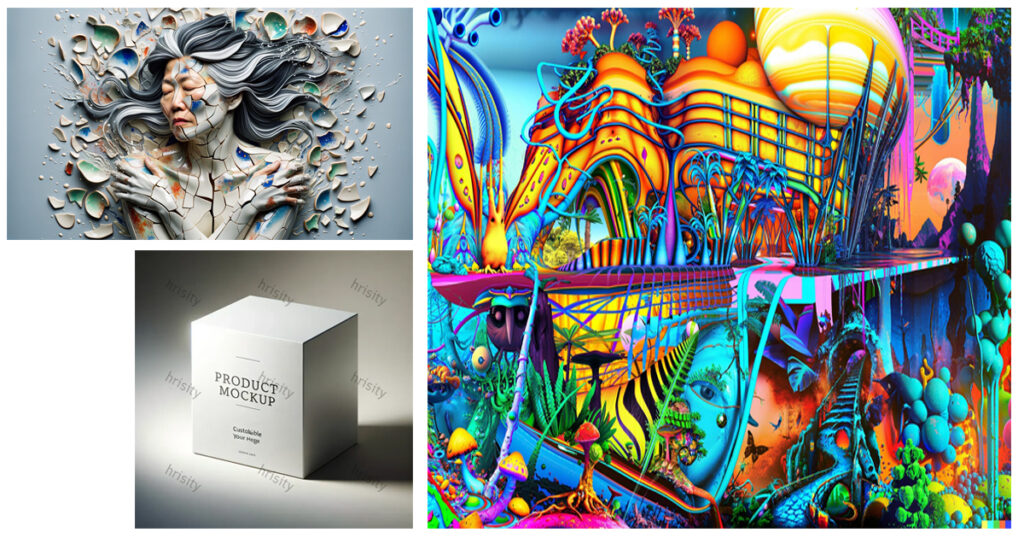
Best for: Fast AI-generated concepts
It turns text descriptions into high-quality images, perfect for:
- Blog headers
- Concept mockups
- Product previews
How to Use AI Image Tools Effectively (Step-by-Step)
Here’s a simple workflow beginners can follow:
Step 1: Define Your Goal
Ask:
- Is this for a blog?
- Social media?
- E-commerce product page?
- YouTube thumbnail?
Clear intent = better AI results.
Step 2: Write a Detailed Prompt
Instead of:
“Coffee shop image”
Write:
“Modern minimalist coffee shop interior, warm lighting, wooden furniture, cozy atmosphere, professional photography style.”
The more detail, the better the output.
Step 3: Generate Multiple Variations
Don’t settle for the first image.
Generate 3–5 options and compare:
- Color balance
- Clarity
- Branding alignment
Step 4: Optimize for SEO
Before uploading:
- Rename file:
ai-image-tools-guide.jpg - Compress image
- Add keyword-rich alt text
- Use descriptive captions
This helps boost Google rankings and improves accessibility.
Step 5: Track Performance
Use tools like:
- Google Analytics
- Search Console
- Heatmaps
Measure:
- Click-through rates
- Engagement time
- Bounce rate
Images influence user behavior more than most people realize.
Tips for Image Optimization Success With AI Tools
Here’s a quick checklist:
✅ Keep File Sizes Small
Large images slow down your website.
✅ Use Descriptive Alt Text
Example:
“AI-generated modern office workspace for blog header”
✅ Match Brand Colors
Upload your brand palette for consistent visuals.
✅ Use Consistent Style
Pick a style guide (minimalist, bold, vintage) and stick to it.
✅ Test Thumbnails
Small preview images impact CTR heavily.
Real-World Example: Small Business Growth
A small fitness coach used AI Image Tools to:
- Create Instagram workout graphics
- Design YouTube thumbnails
- Produce blog illustrations
Within 3 months:
- Engagement increased by 45%
- Website traffic grew by 38%
- Email subscribers doubled
Why?
Strong visuals build trust and credibility.
Suggested Visuals for This Post
To improve UX and SEO, include:
- Infographic: “How AI Image Tools Work”
- Alt text: Flowchart explaining AI image generation process.
- Screenshot tutorial of prompt creation
- Alt text: Example of writing an AI image prompt for beginners.
- Before-and-after comparison
- Alt text: Comparison between basic and AI-enhanced marketing image.
- Chart showing engagement increase with images
- Alt text: Bar graph showing higher engagement for posts with images.
Optional: Embed a short tutorial video demonstrating one tool in action.
Frequently Asked Questions (FAQs)
1. What are AI Image Tools?
AI Image Tools are software platforms that use artificial intelligence to generate, edit, and optimize images automatically from text prompts or templates.
2. Are AI Image Tools free?
Many offer free plans (like Canva). Advanced features often require subscriptions.
3. Can AI Image Tools improve SEO?
Yes. Optimized images increase engagement, reduce bounce rates, and help boost Google rankings when combined with proper SEO practices.
4. Are AI-generated images copyright safe?
It depends on the platform. Always check licensing terms before commercial use.
5. What are the best AI image tools for beginners?
Canva, Adobe Firefly, and DALL·E are beginner-friendly and easy to use.
Internal & External Linking Suggestions
Internal Links (Example Ideas)
- “Beginner’s Guide to SEO Tools for Small Business”
- “How to Boost Google Rankings in 30 Days”
- “Content Marketing Strategies for 2026”
External Authority Links
- Google Search Central (image SEO guidelines)
- HubSpot marketing statistics
- Official tool documentation pages
Engagement Features to Add
- Social share buttons (Pinterest, LinkedIn, Facebook)
- Comment section for prompt ideas
- Poll: “Which AI Image Tool do you use?”
- Free downloadable prompt checklist (lead magnet)
How to Keep This Article Updated
Update every 6 months:
- Add new AI tools
- Refresh statistics
- Include new features or pricing changes
- Update SEO best practices
AI evolves quickly — staying current keeps rankings strong.
Summary Table
| Section | What You’ll Learn |
|---|---|
| Why AI Image Tools Matter | Importance for SEO & branding |
| 5 Key Benefits | Time-saving, scalability, creativity |
| Best AI Tools | Beginner-friendly platforms |
| Step-by-Step Guide | How to generate & optimize images |
| Optimization Tips | Improve performance & rankings |
| FAQs | Beginner questions answered |
Conclusion: Start Designing Today
You no longer need expensive software or professional training to create stunning visuals.
AI Image Tools empower anyone to design like a pro.
Whether you’re a blogger, entrepreneur, or marketer, these tools can:
- Save time
- Reduce costs
- Improve engagement
- Boost Google rankings
- Strengthen your brand identity
The best way to learn?
Pick one tool today and create your first AI-generated image.
Then experiment. Test. Optimize.
Your audience — and your website traffic — will thank you.

Pingback: Canva AI Tools: Beginner Guide for 2026
Pingback: Best AI Image Tools: Top Generators Ranked